
Bet4Star Deposit and Withdrawal Methods in United Kingdom
Bet4Star supports 11 payment methods for UK players, including Apple Pay, Visa, Mastercard, Maestro, Revolut, Bank Transfer, Google Pay, Barclays, Bank of Scotland, Monzo, and Lloyds. The minimum deposit amount is £10, with a maximum deposit of £50,000, while the minimum withdrawal amount starts at £10 and can reach up to £50,000. New players can claim a 100% first deposit bonus up to £2,500 plus 500 Free Spins on a minimum deposit of £30. Funds typically arrive instantly across most methods.
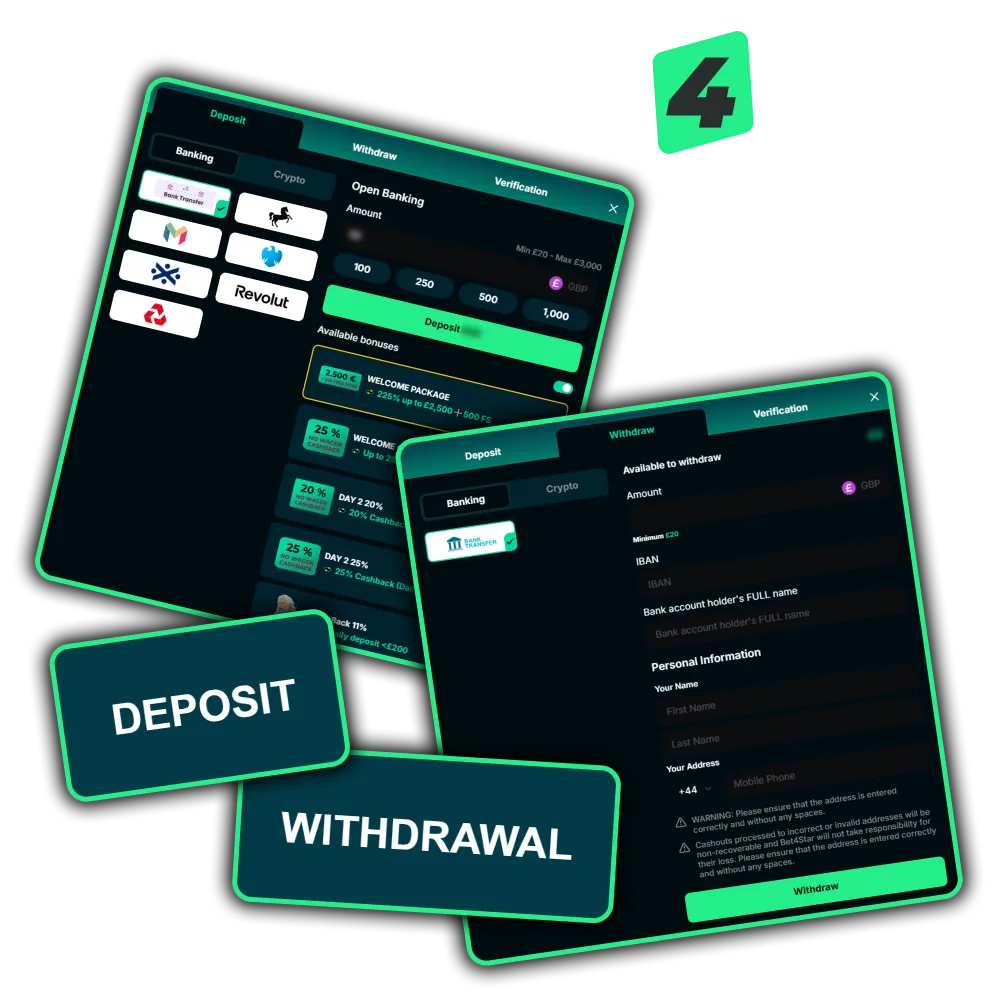
Deposit Instruction at Bet4Star for United Kingdom Users
Funding your account on Bet4Star is straightforward and takes just a few minutes. You need a verified account and a supported UK payment method to get started.
Log In to Your Account
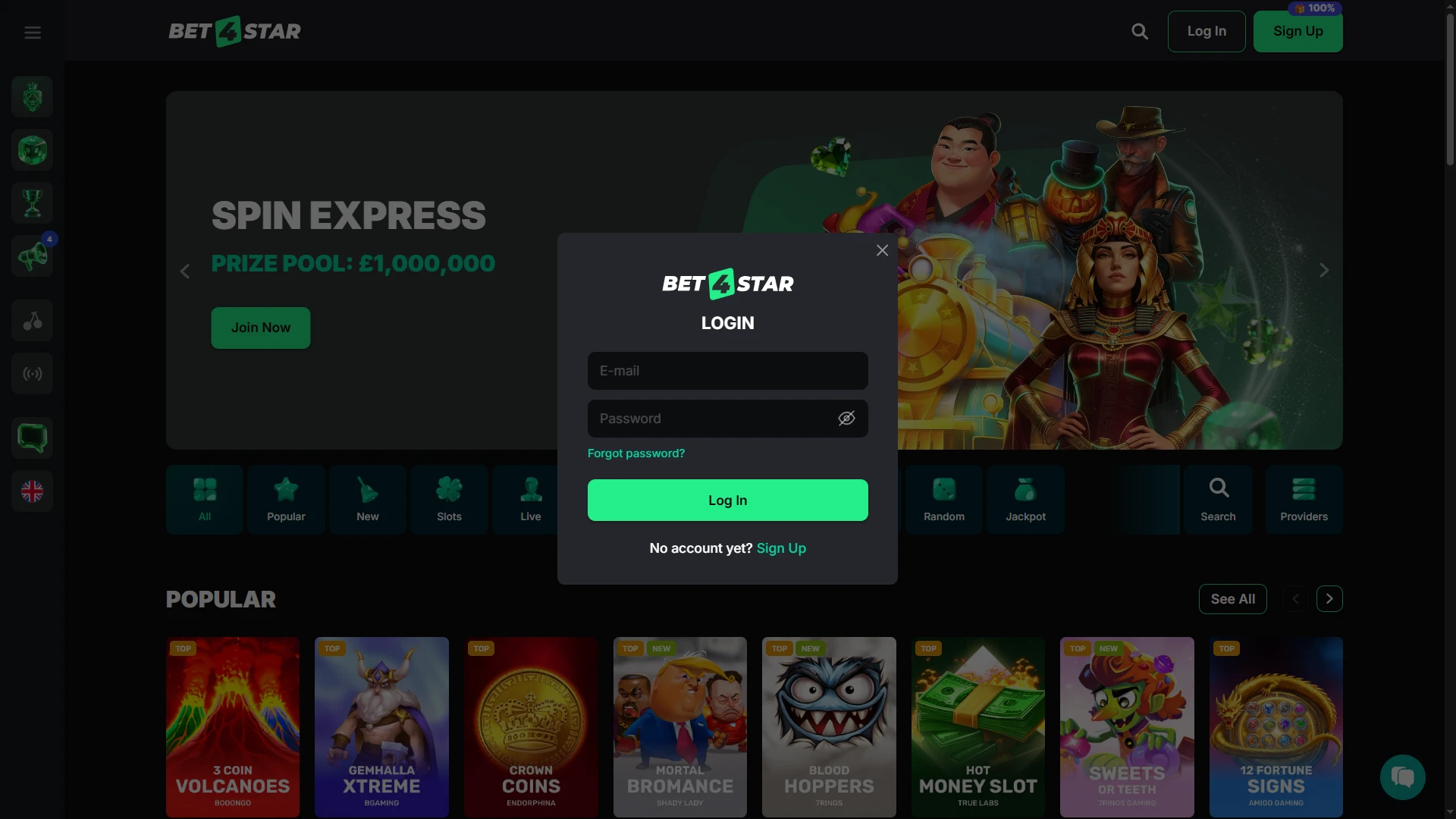
Open the Bet4Star website and log in using your registered email address and password. If you do not have an account yet, complete the quick registration form directly on this page.
Go to the Cashier Section

Once logged in, navigate to the Cashier or Banking section found in your account menu. This is where all deposit and withdrawal options are available.
Select Your Preferred Deposit Method
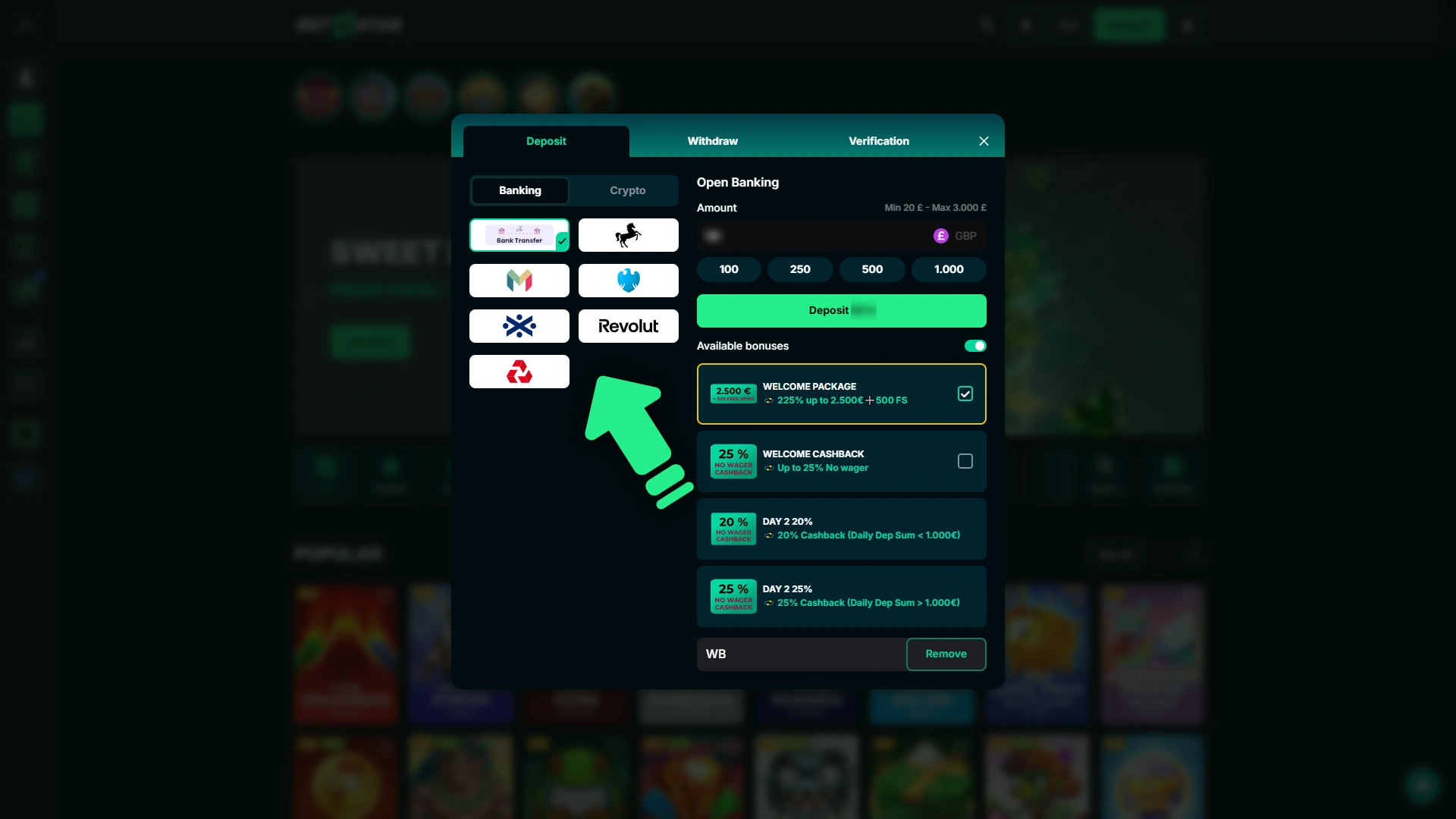
Choose from the available UK payment options, including Apple Pay, Visa, Mastercard, Maestro, Revolut, Google Pay, or bank transfer via Barclays, Lloyds, Monzo, or Bank of Scotland. Click on the method that suits you best.
Enter the Deposit Amount
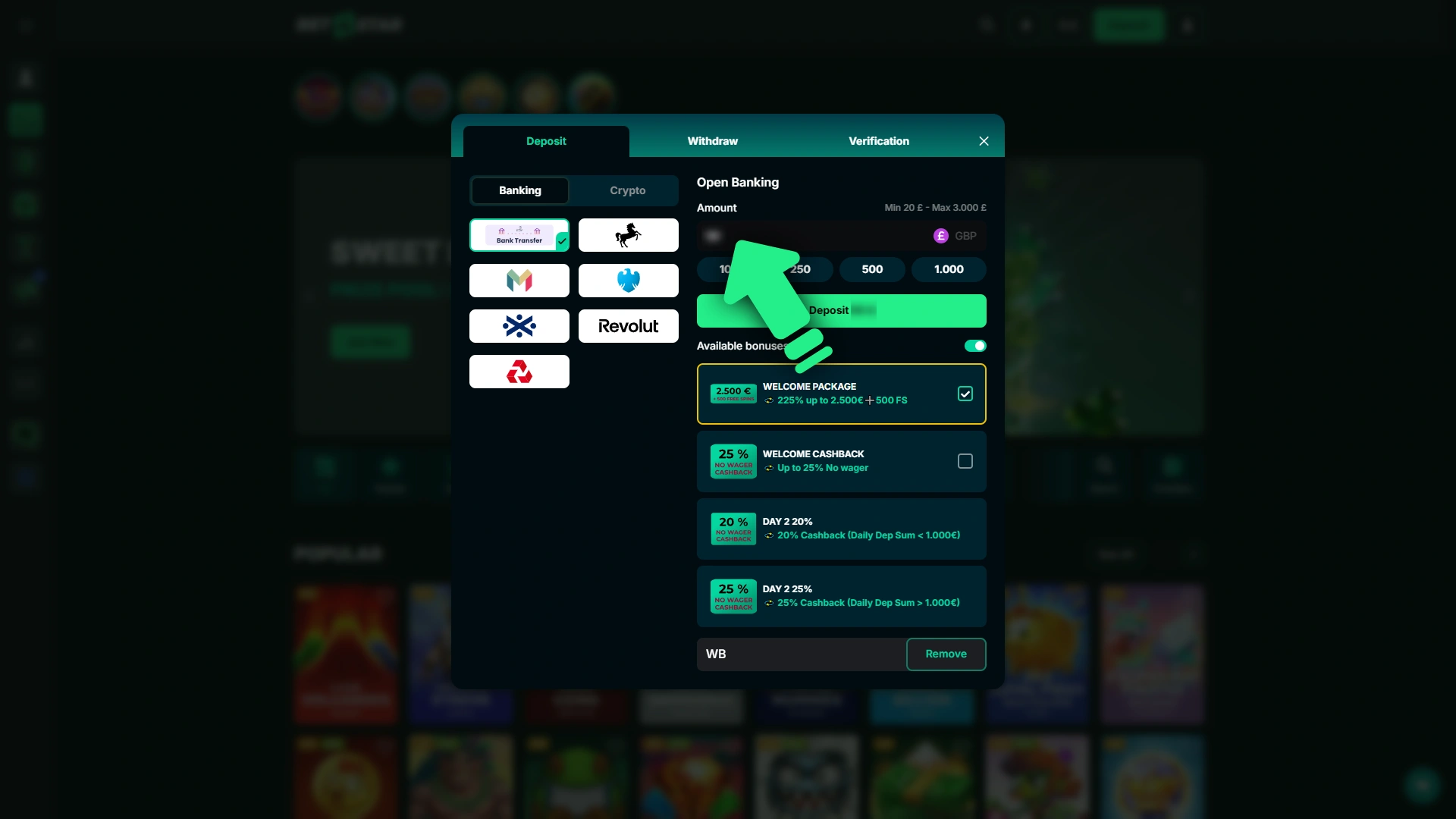
Type in the amount you wish to deposit, making sure it meets the minimum deposit amount of £10. You can also choose from the pre-set quick-select amounts shown on screen.
Confirm the Transaction
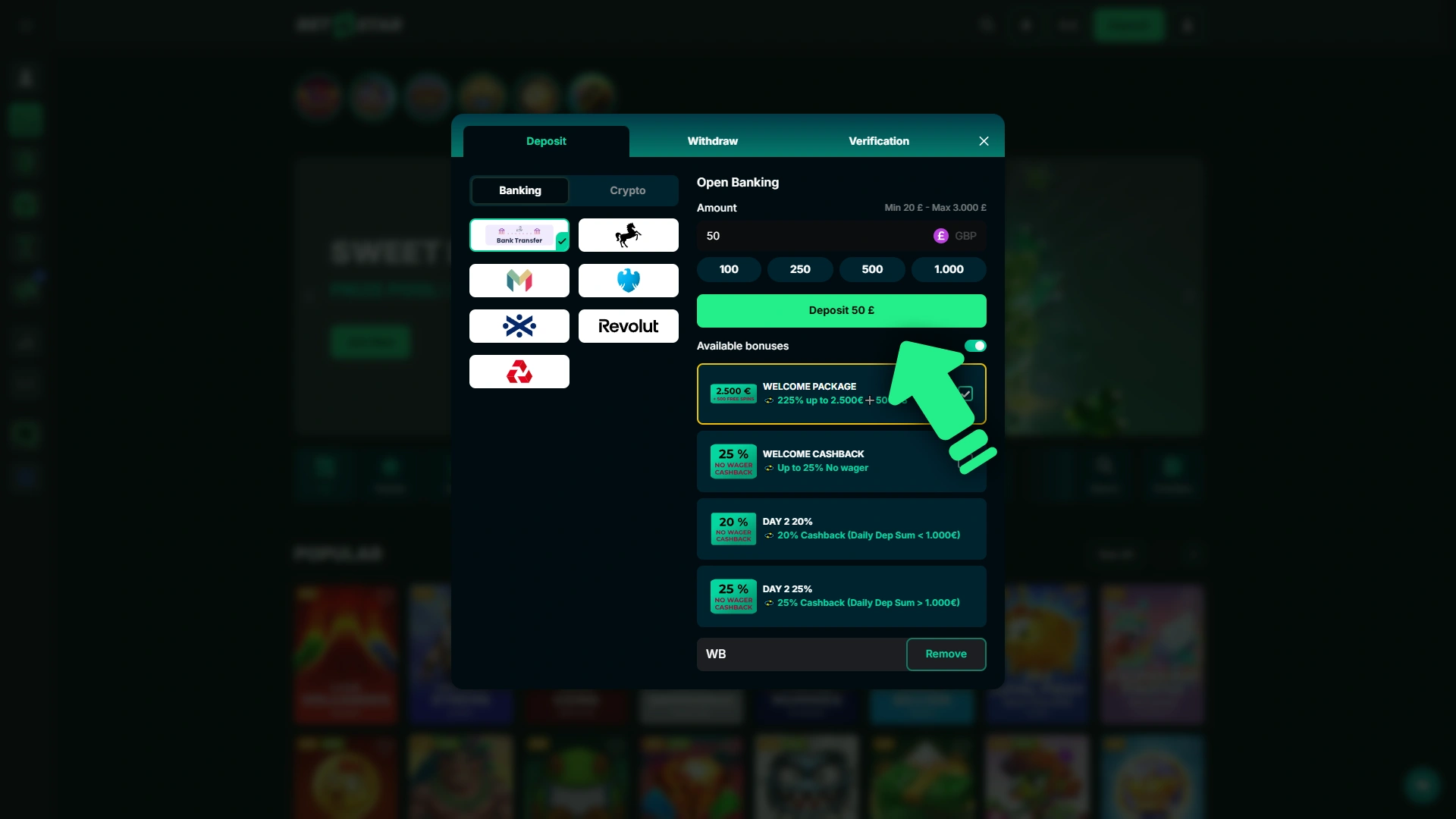
Follow the on-screen prompts to authorise the payment through your chosen method. Most transactions are processed instantly, and your balance will update as soon as the funds are confirmed.
Bet4Star Deposit Methods, Time and Limits
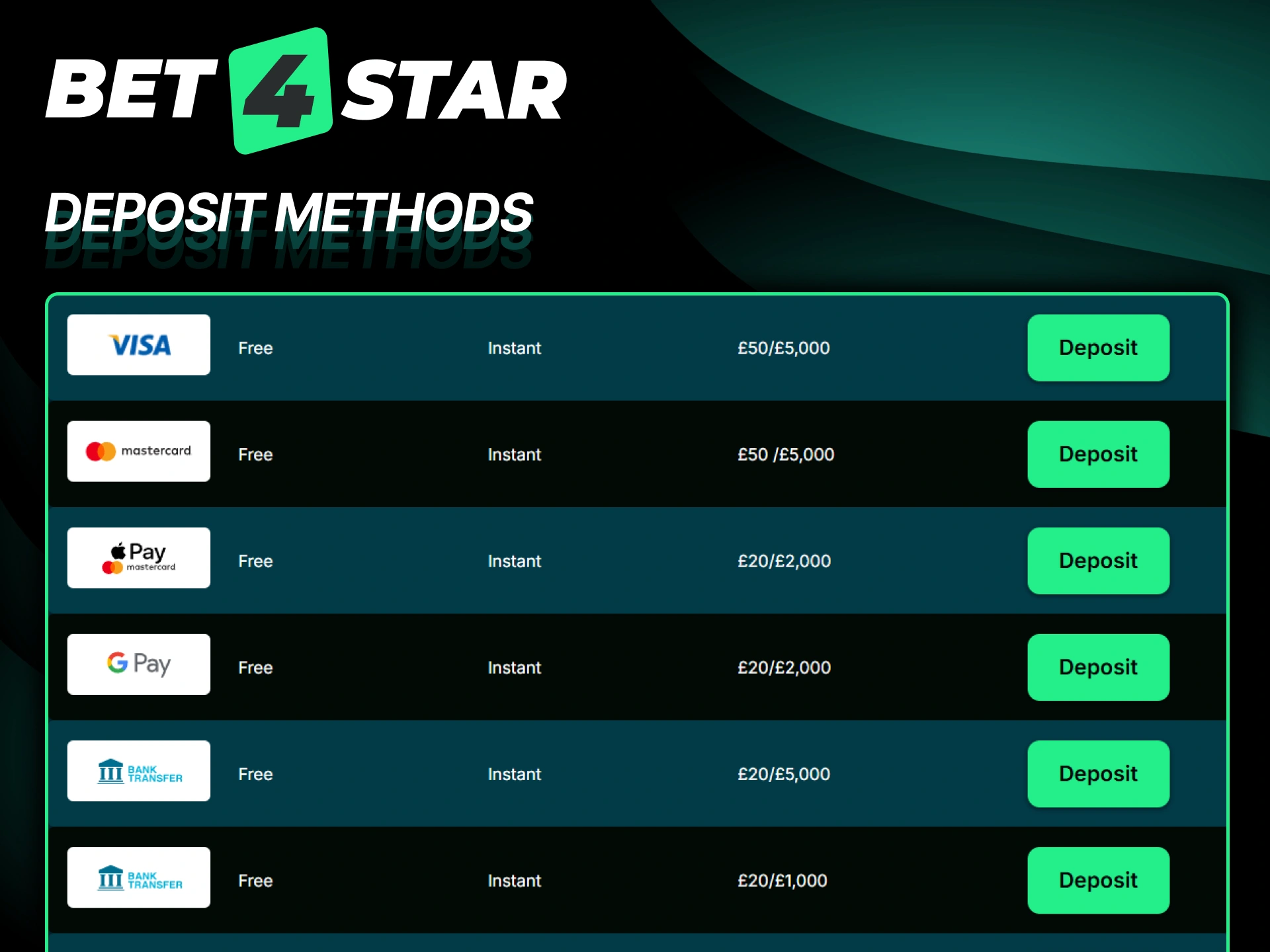
Bet4Star offers a wide range of deposit methods for players in the United Kingdom, covering everything from digital wallets to direct bank transfers. No commission is charged on any deposit, the minimum deposit amount is £10, the maximum deposit is £50,000, and funds are credited almost instantly in most cases.
| Payment Method | Min Deposit | Max Deposit | Processing Time | Fees |
|---|---|---|---|---|
| Apple Pay | £10 | £50,000 | Instant | None |
| Visa | £10 | £50,000 | Instant | None |
| Mastercard | £10 | £50,000 | Instant | None |
| Maestro | £10 | £50,000 | Instant | None |
| Revolut | £10 | £50,000 | Instant | None |
| Bank Transfer | £10 | £50,000 | 1–3 business days | None |
| Google Pay | £10 | £50,000 | Instant | None |
| Barclays | £10 | £50,000 | Instant | None |
| Bank of Scotland | £10 | £50,000 | Instant | None |
| Monzo | £10 | £50,000 | Instant | None |
| Lloyds | £10 | £50,000 | Instant | None |
First Deposit Bonus for New Players
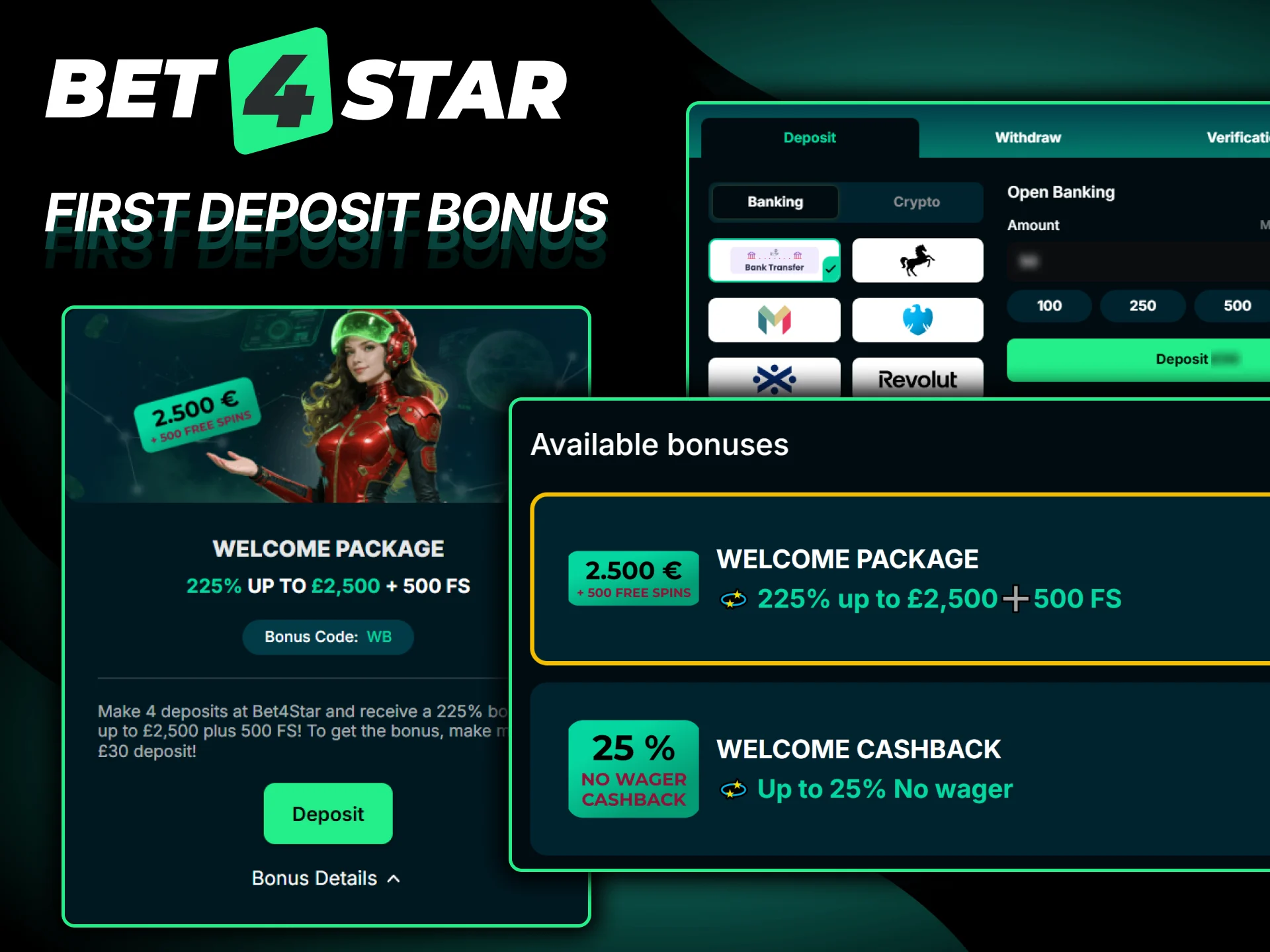
Bet4Star gives new UK players a 100% first deposit bonus up to £2,500 plus 500 Free Spins when you make a qualifying first deposit. Here is everything you need to know before claiming:
- Bonus percentage: 100% match on your first deposit
- Maximum bonus amount: £2,500 in bonus funds plus 500 Free Spins
- Applies to: Casino games and slots
- Minimum deposit required: £30 to trigger the welcome bonus
- Where to use it: The bonus funds and Free Spins are available on eligible casino games as specified in the current promotion terms
- Wagering requirements: Bonus funds are subject to a wagering rollover requirement. You must wager the bonus amount a specified number of times (refer to the current terms on the promotions page) within the allowed time window. Where applicable, qualifying bets must meet minimum odds requirements. Free Spins winnings may carry their own rollover conditions
- How to claim: Make sure to opt in or enter the relevant bonus code during the deposit process, as outlined on the promotions page
Withdraw Money from Bet4Star
Requesting a withdrawal from your Bet4Star account is a simple process you can complete entirely within the platform. You need to have a verified account and sufficient cleared funds before submitting a withdrawal request.
Log In to Your Account
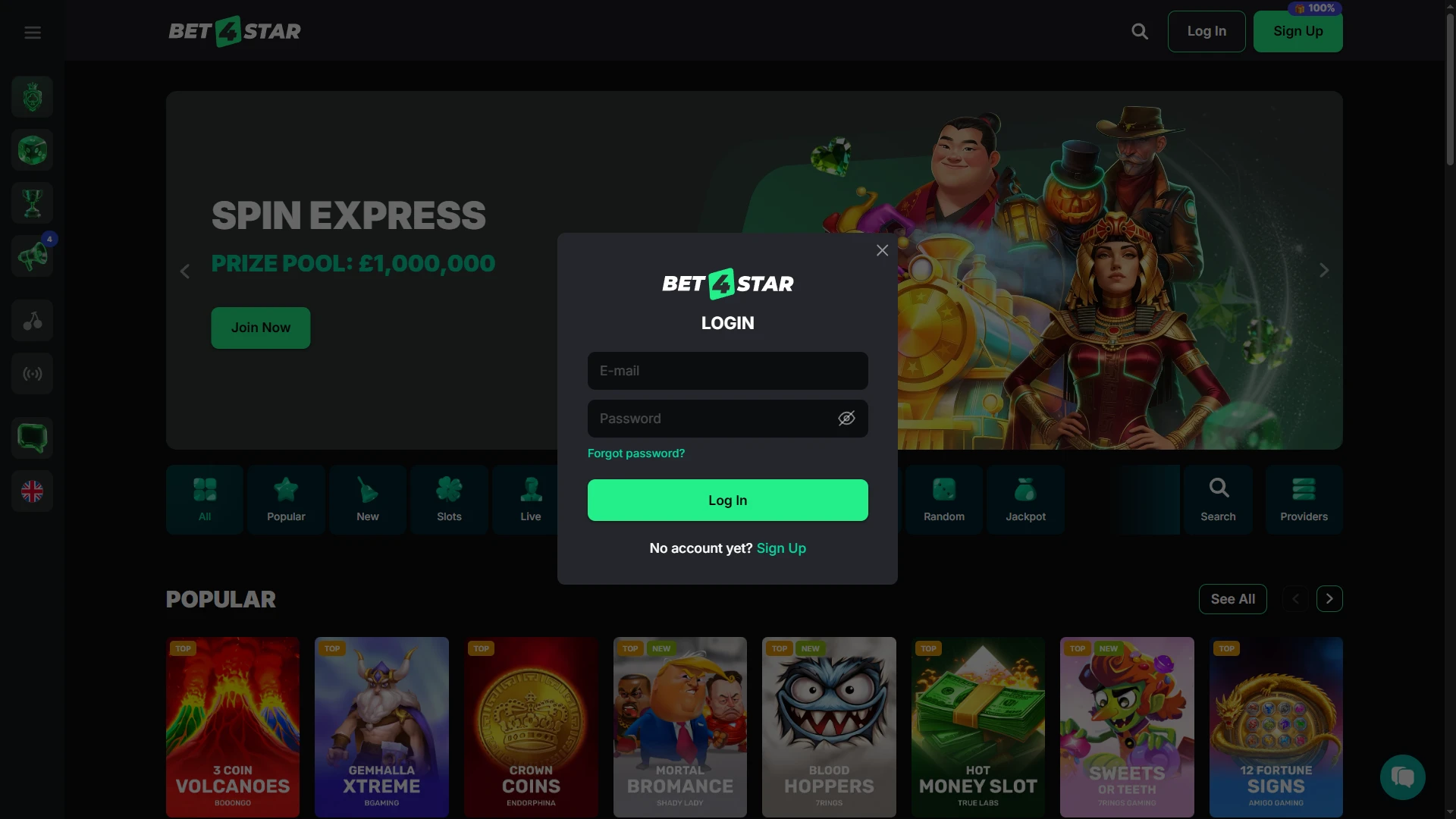
Visit the Bet4Star website and sign in using your email address and password. All actions must be completed within this platform.
Open the Cashier Section
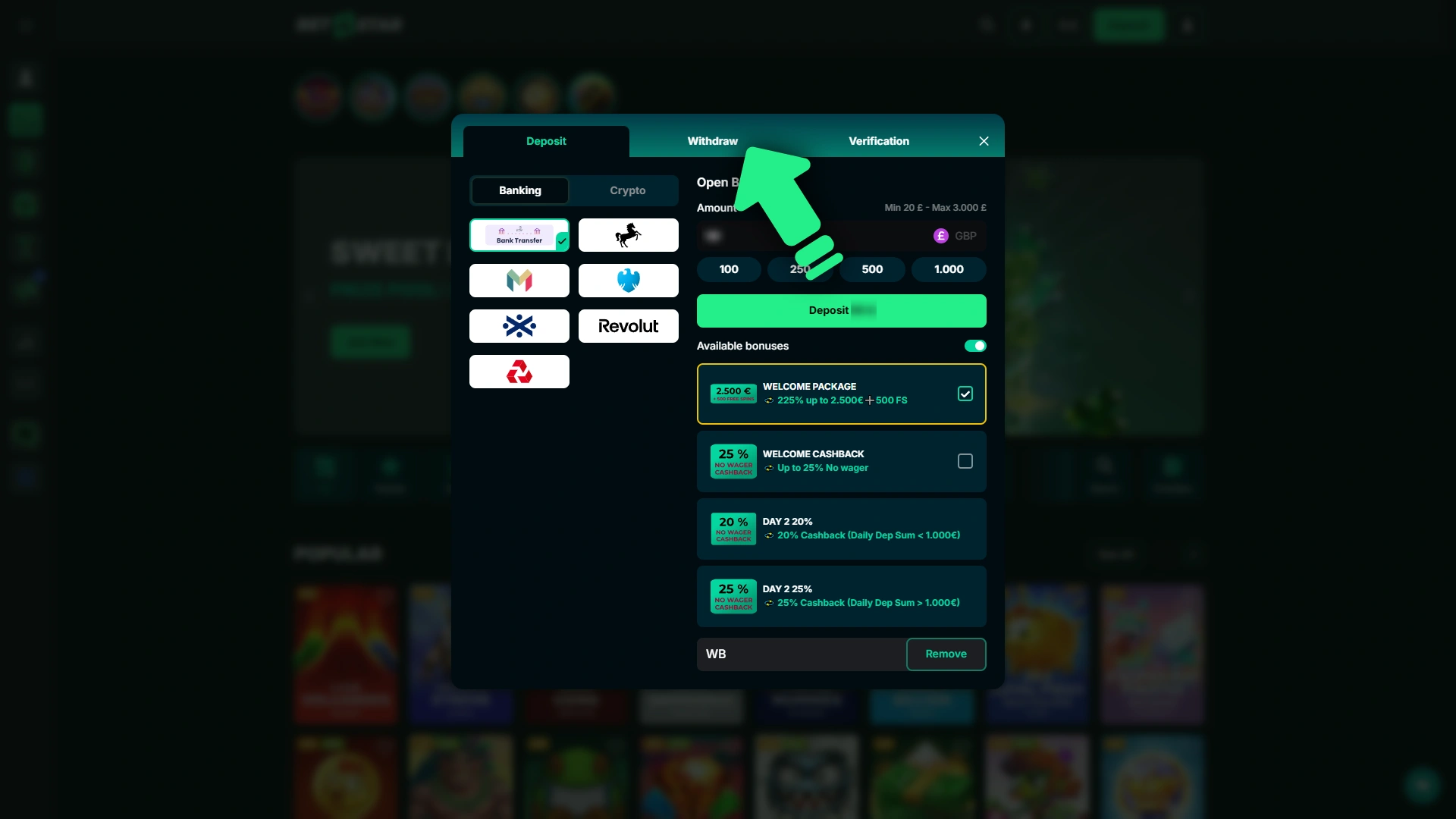
Navigate to the Cashier or Banking area from your account menu. This section handles all financial transactions, including withdrawals.
Select the Withdrawal Option
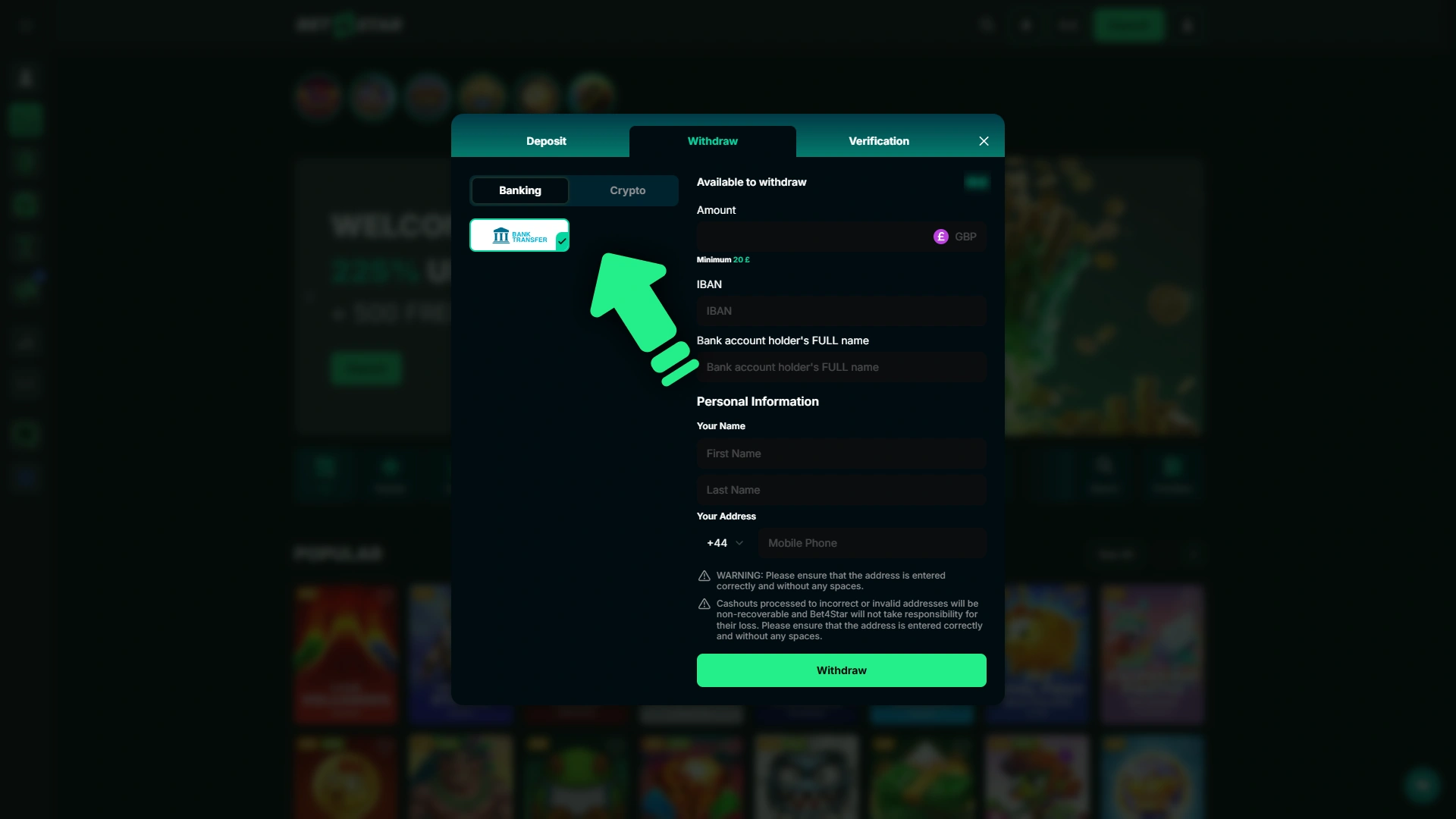
Click on the Withdraw tab and choose your preferred withdrawal method from the available options, such as Visa, Mastercard, Apple Pay, bank transfer, or others linked to your account.
Enter the Withdrawal Amount
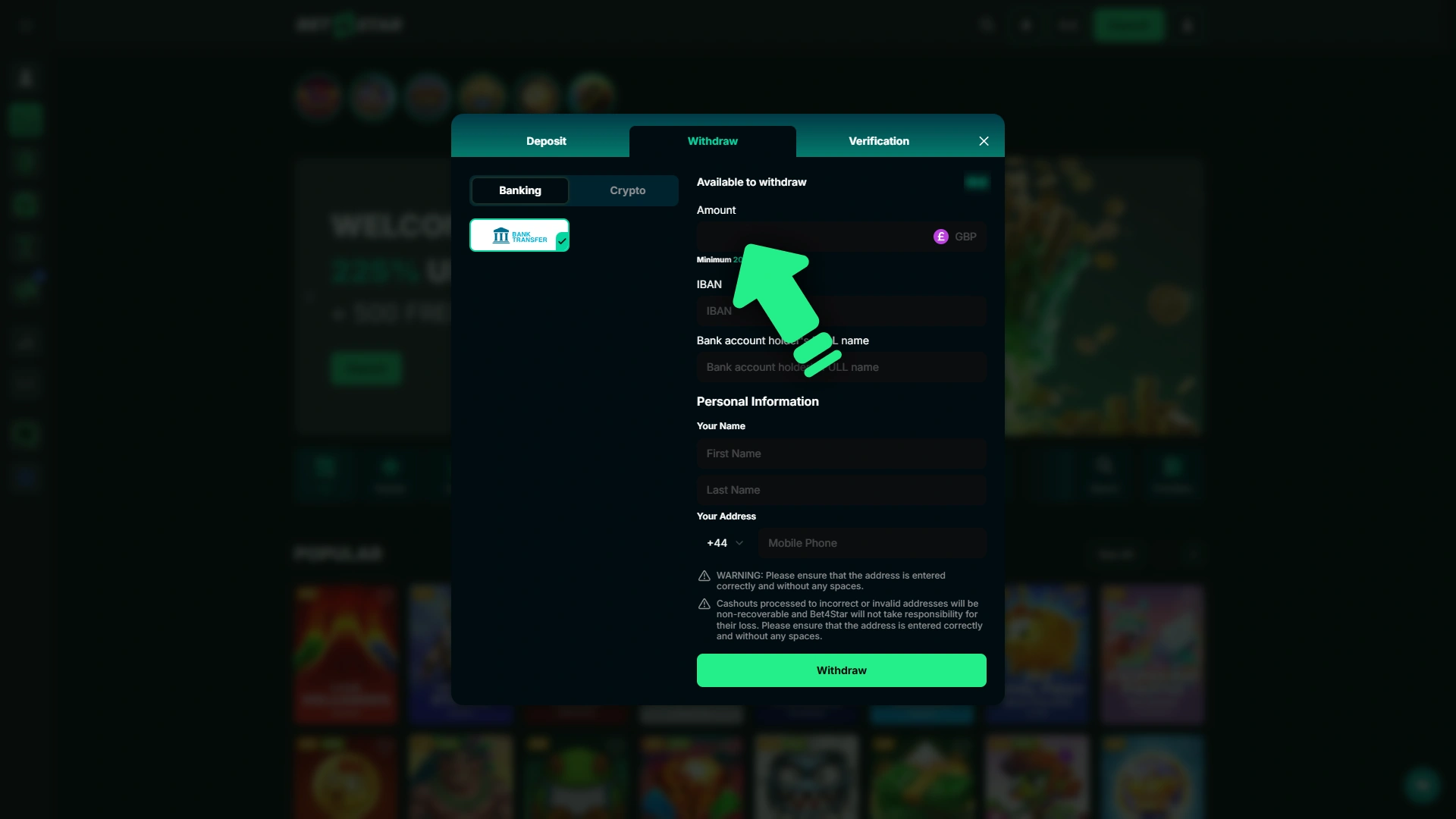
Input the amount you wish to withdraw, ensuring it meets the minimum withdrawal amount of £10 and does not exceed the maximum limit. Double-check the amount before proceeding.
Confirm and Submit the Request
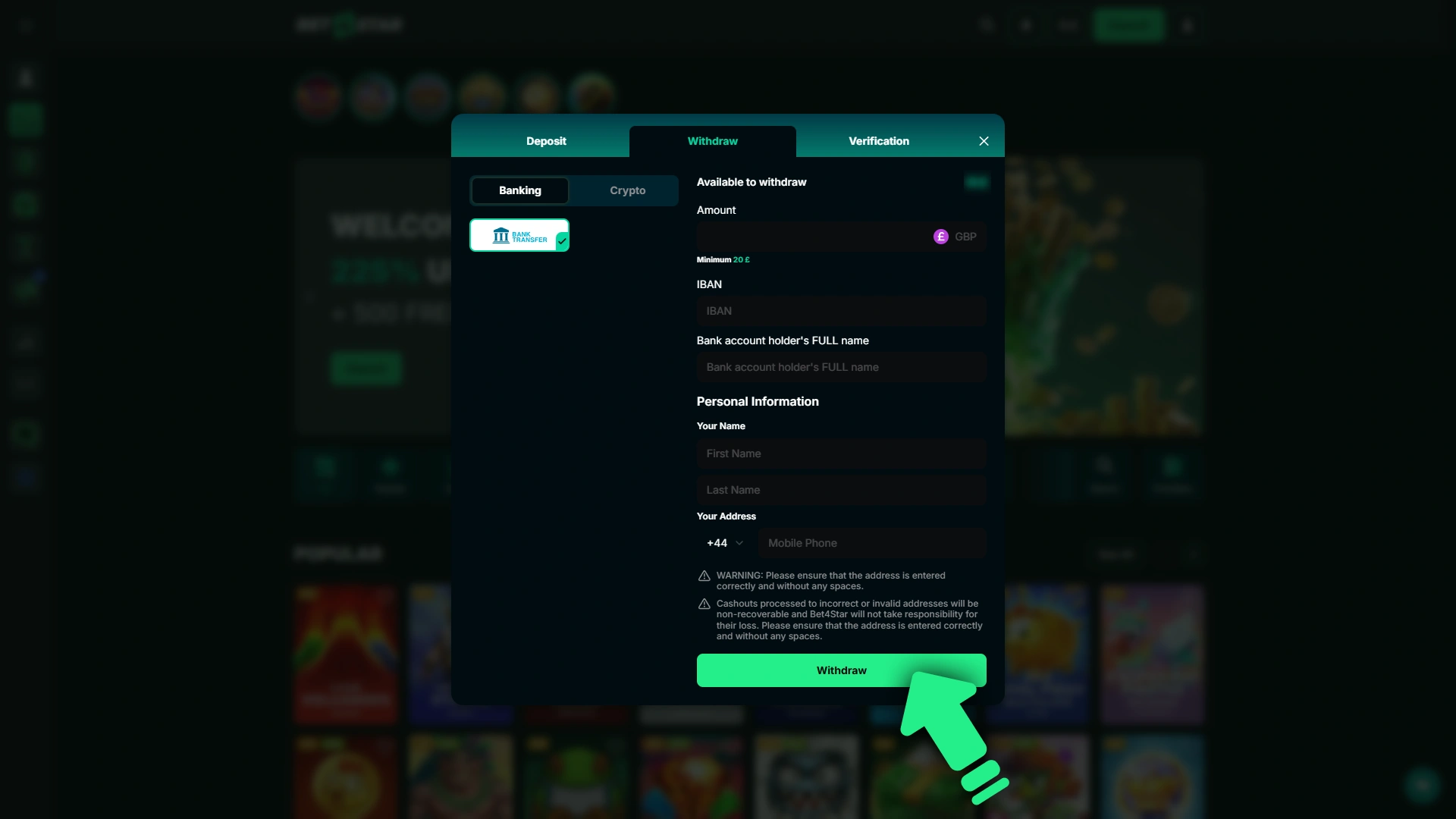
Review the details and confirm the withdrawal request. Depending on your payment method, funds are typically credited within the stated processing time shown in the cashier.
Bet4Star Withdrawal Methods, Time and Limits
Bet4Star United Kingdom withdrawal options cover the most popular UK payment methods, and no commission is applied to any withdrawal. The minimum withdrawal amount is £10, the maximum is £50,000, and most requests are processed within 24 hours, though some methods may take longer.
| Payment Method | Min Withdrawal | Max Withdrawal | Processing Time | Fees |
|---|---|---|---|---|
| Apple Pay | £10 | £50,000 | Up to 24 hours | None |
| Visa | £10 | £50,000 | 1–3 business days | None |
| Mastercard | £10 | £50,000 | 1–3 business days | None |
| Maestro | £10 | £50,000 | 1–3 business days | None |
| Revolut | £10 | £50,000 | Up to 24 hours | None |
| Bank Transfer | £10 | £50,000 | 1–5 business days | None |
| Google Pay | £10 | £50,000 | Up to 24 hours | None |
| Barclays | £10 | £50,000 | 1–3 business days | None |
| Bank of Scotland | £10 | £50,000 | 1–3 business days | None |
| Monzo | £10 | £50,000 | Up to 24 hours | None |
| Lloyds | £10 | £50,000 | 1–3 business days | None |
Bet4Star Payment Rules and Conditions
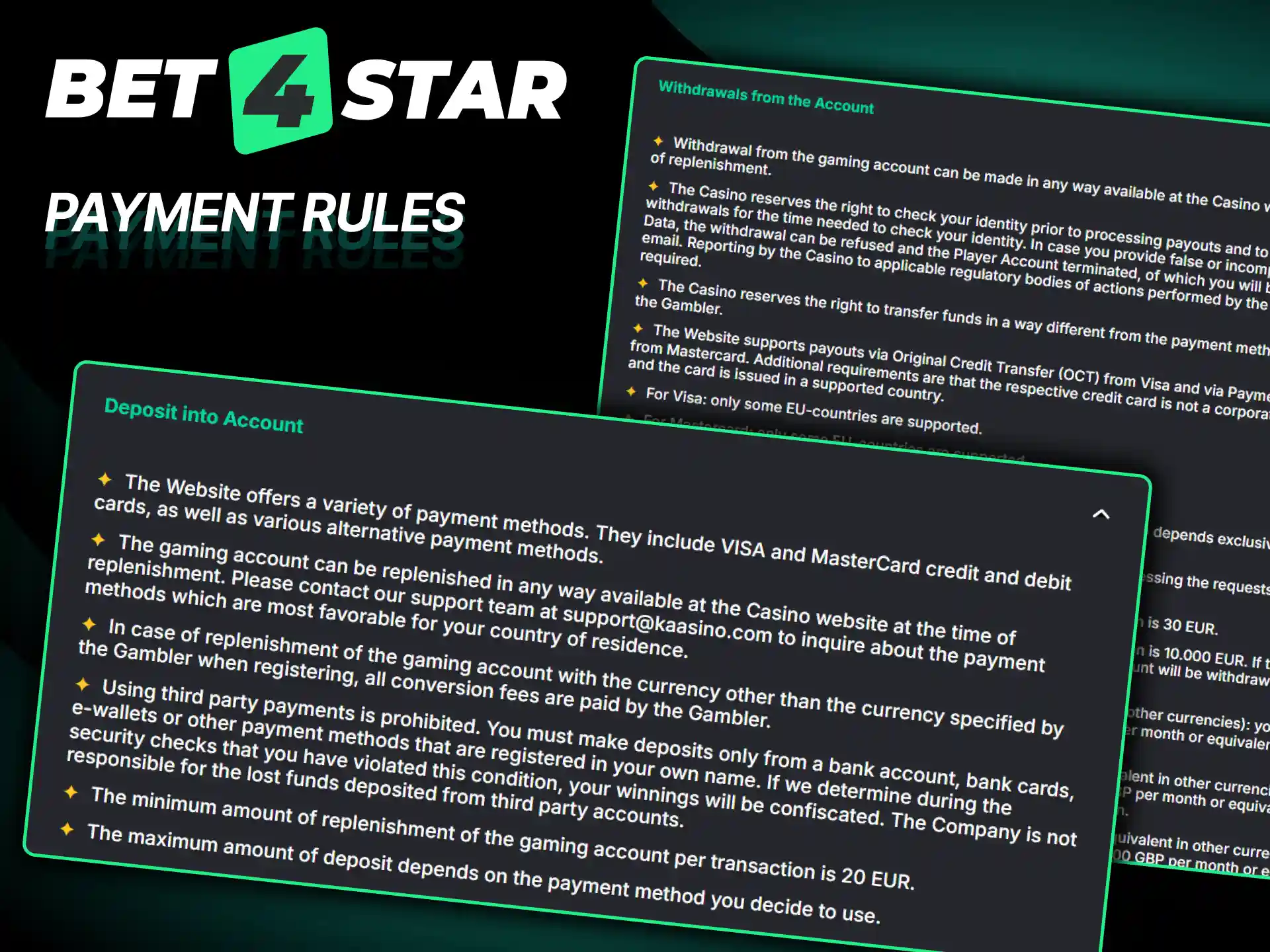
All deposits and withdrawals on Bet4Star are governed by a set of clear rules designed to protect your funds and keep transactions secure. Make sure you are familiar with the following conditions before making any financial transactions:
- Identity verification is required: You must complete the verification process before your first withdrawal can be approved. This involves submitting valid proof of identity and proof of address as part of standard UK regulatory requirements.
- Payment method consistency: Withdrawals must be made to the same payment method used for the deposit, wherever possible. This applies to cards, digital wallets, and bank accounts to prevent fraud.
- Bonus wagering must be met first: If you have an active bonus on your account, the associated wagering requirements must be fulfilled before you can withdraw any bonus-derived winnings.
- Minimum and maximum limits apply: Every transaction must fall within the stated deposit amount or withdrawal amount limits. Transactions outside these limits will not be processed.
- Currency: All transactions on the platform are conducted in GBP. If your payment method operates in a different currency, conversion charges may apply on the provider’s side.
Popular Deposit Methods
Bet4Star supports the most widely used payment methods among UK players, giving you flexibility and confidence when funding your account. Below is a breakdown of the most popular options available:
- Apple Pay: A tap-to-pay solution linked to your Apple device and existing bank card. Deposits are instant, no card details are entered manually, and transactions are authorised through Face ID or Touch ID for added security.
- Visa: One of the most trusted card payment networks globally. Visa debit and credit cards are accepted for instant deposits, and the method is familiar to virtually all UK bank account holders.
- Mastercard: Works identically to Visa for deposit purposes. Mastercard debit cards issued by most major UK banks are supported, with instant credit to your balance.
- Maestro: A debit card option commonly issued by UK banks. It offers a straightforward way to make deposits directly from your current account.
- Revolut: A UK-regulated digital bank account and app. Revolut deposits are instant, free of charge, and ideal for players who manage their finances digitally.
- Bank Transfer: Suitable for larger transactions. You transfer funds directly from your bank account, though processing takes 1–3 business days compared to card-based methods.
- Google Pay: Works across Android devices and links to your existing debit or credit card. Deposits are instant and protected by Google’s security layer.
- Barclays: Direct bank payments from a Barclays current account. A reliable option for players banking with one of the UK’s largest high street banks.
- Bank of Scotland: Supports direct transfers from Bank of Scotland accounts, giving Scottish players a familiar and trusted route to fund their account.
- Monzo: The Monzo app-based bank account supports instant deposits. It is popular among younger UK players who prefer mobile-first banking.
- Lloyds: Direct bank payments via a Lloyds Bank account. Straightforward and dependable for existing Lloyds customers.
Possible Problems with Payments at Bet4Star
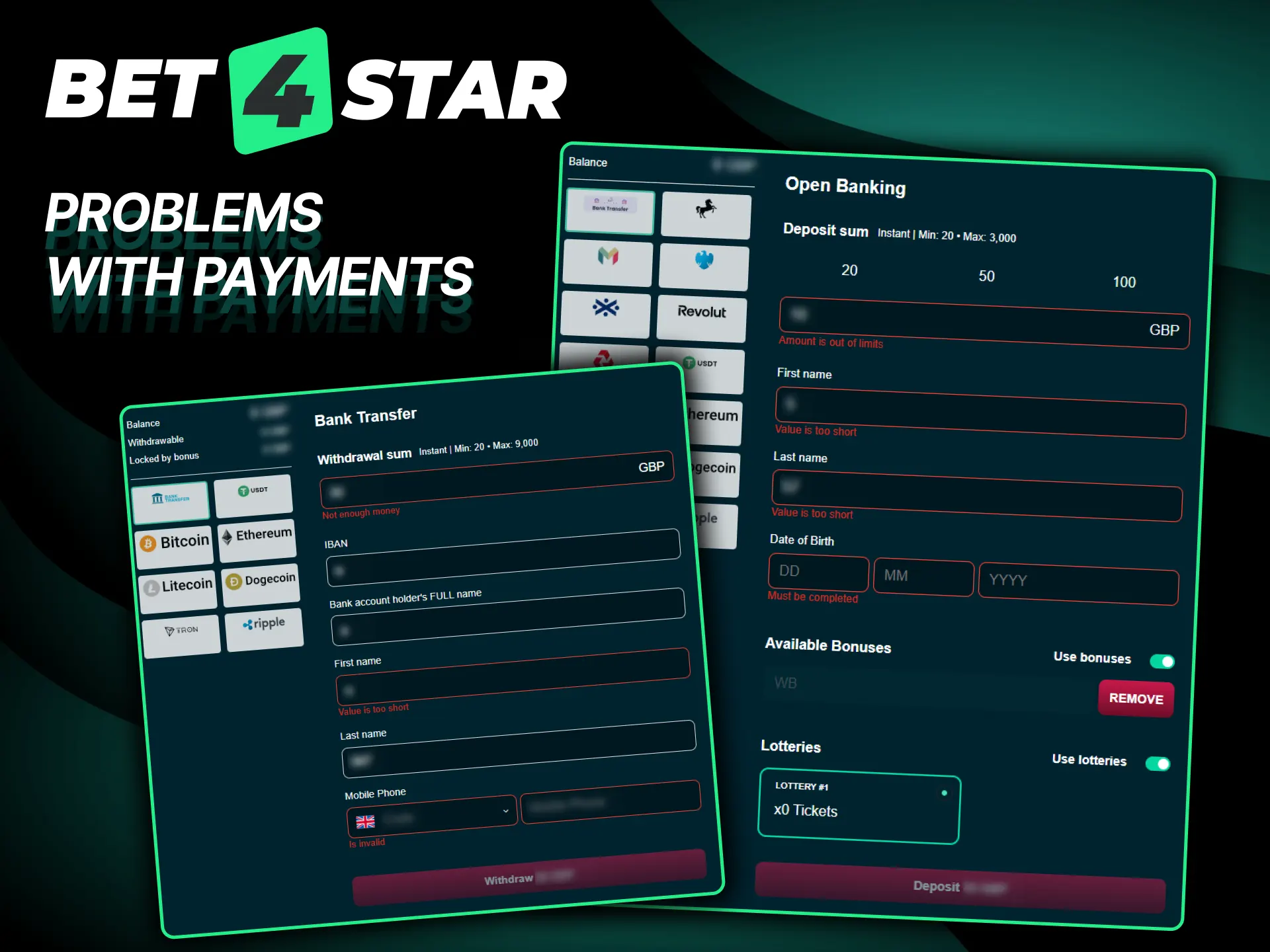
Most transactions go through without any issue, but occasionally you may run into a problem when depositing or withdrawing. Here are the most common payment issues UK players encounter and how to resolve them:
- Deposit declined by your bank: Some UK banks apply restrictions on gambling transactions by default. Contact your bank directly to confirm that gambling payments are permitted on your account, or use an alternative method such as Revolut or a digital wallet.
- Withdrawal delayed beyond the expected processing time: Standard processing times can occasionally be extended if additional security checks are triggered. Check your account notifications for any pending verification requests and respond promptly.
- Account not yet verified: Withdrawal requests will not be approved until your identity has been confirmed. Submit the required documents through the verification section of your account as soon as possible to avoid delays.
- Bonus funds restricting a withdrawal: If your balance includes active bonus funds that have not yet met the wagering requirements, you may not be able to withdraw until these are cleared. Review your bonus status in the account promotions area.
- Incorrect payment details entered: A mistyped account number or card detail can cause a transaction to fail or be returned. Always double-check your payment information before confirming any deposit or withdrawal request.
Customer Support Contacts
If you experience any issue with a payment or need guidance on a transaction, the Bet4Star support team is available to help you quickly and directly. You can reach the team through the following channels:
- Live Chat: Available directly on the website. This is the fastest way to get a response for urgent payment queries. Look for the chat icon in the bottom corner of the page.
- Email: Send a detailed message describing your issue to the support email address listed on the Contact Us page. Responses are typically provided within 24 hours.
- Help Centre / FAQ: The on-site help section covers common payment questions and may resolve your issue without needing to contact the support team directly.
FAQ
Can I use more than one payment method on my account?
Yes, you can add and use multiple payment methods on your account. However, withdrawals are generally processed back to the same method used for the original deposit, in line with standard anti-fraud procedures.
Is there a fee for currency conversion if I deposit from a non-GBP account?
Bet4Star does not charge a currency conversion fee. However, if your bank account or digital wallet operates in a currency other than GBP, your provider may apply their own exchange rate or conversion charge.
How long does it take for a withdrawal to reach my bank account?
This depends on your chosen payment method. Digital wallets such as Apple Pay, Google Pay, Revolut, and Monzo typically process within 24 hours. Debit card and bank transfer withdrawals may take between 1 and 5 business days.
What happens if I close my account before completing wagering requirements?
If you close your account while a bonus is still active, any bonus funds and associated winnings that have not met the wagering requirements will be forfeited. It is advisable to review your bonus status before submitting an account closure request.
Can I cancel a withdrawal request once it has been submitted?
In some cases, a withdrawal request can be reversed before it is fully processed. Log in to the cashier section to check the status of the request. If it is still pending, you may have the option to cancel it and return the funds to your playable balance.
Updated: